From STEP to G-code, in your browser.
CAM for CNC routers and mills: import the part, build 2.5D and 3D toolpaths, watch the simulation cut the stock and export G-code for GRBL or DDCS controllers, with collisions, gouges and the machine envelope checked first.
From part to shop floor in three steps.
Nothing to install, no dongle, no exporting through three different programs.
Import and position
STEP or STL. Define the stock, the spoilboard and the fixture, including 3D-printed fixtures for the second side.
Program and simulate
Contour, pocket, drilling, facing, 3D roughing, waterline and finishing. Watch the stock being cut before you spend material.
Verify and export
Collision, gouge and envelope checked. G-code for GRBL or DDCS, with the work offsets explained in the header.
Built by machinists, for machinists.
Every feature came from a real part on our own bench, next to the CNC machines we build and run.
STEP with exact holes
The STEP is read as a real B-Rep: holes come out as features with exact center and diameter, so drilling doesn't depend on a mesh approximation.
Real 3D toolpaths
Slice roughing with rest machining, raster finishing, waterline for steep walls and trochoidal adaptive clearing with constant engagement.
Simulation that removes material
The stock is cut operation by operation on a clickable timeline, with cycle time estimated from your machine's real speeds.
Checks that prevent scrap
Holder, shank and spindle-nose collisions against stock, spoilboard and fixtures; part gouging; machine envelope. A serious error blocks the export.
True two-sided machining
Side B inherits the stock already machined on side A, sits on your fixtures, and roughing cuts only where material remains.
AI copilot that never writes G-code
It proposes the program from the geometry and your tools, as operations only. They go through the same verified engines as everything else.
G-code for the controller you already have.
GRBL and DDCS, byte for byte
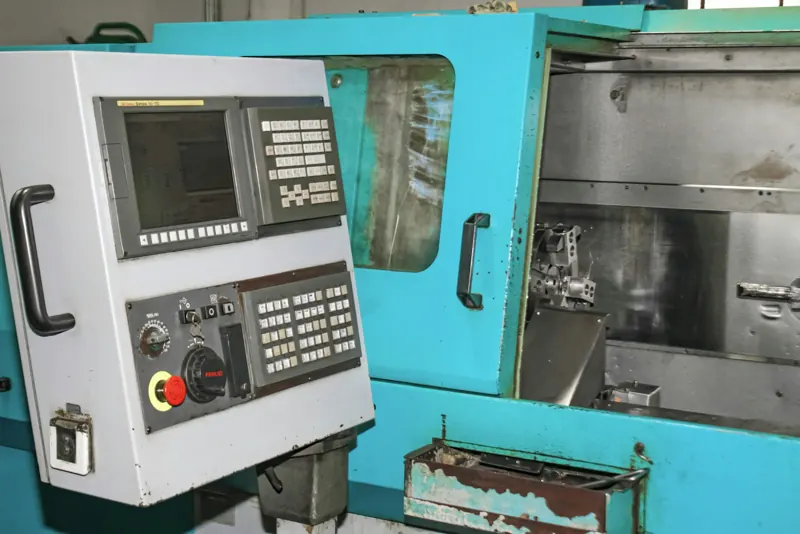
Post-processors for GRBL and DDCS (Fanuc-style) controllers, covered by byte-for-byte regression tests. Each project keeps the part, stock, fixture, operations and a 3D preview in the cloud, so you open it from any computer where you left off.
- Machine setup assistant: steps/mm calculator per axis for motor, driver, lead screw, belt, rack and gearbox
- Values ready to enter on DDCS or GRBL, with a warning when the configuration doesn't add up
- Projects isolated per customer, in a database of their own
Lathe and FDM support are on the roadmap.
Is there a free plan?
Yes. The free trial includes 3 cloud projects, full 2.5D and 3D operations, both post-processors, the simulation and the checks. Paid plans add more projects, the parts and setups tree, the AI copilot and support; see datafcloud.com.
Does it work with my machine?
If it runs GRBL or a DDCS controller, yes. For another controller, write to us with the machine and the control: that is how we decide which post-processor comes next.
Do I need to install anything?
No. It runs in a modern desktop browser, and your projects stay in the cloud. You choose what gets uploaded.
Want to see your part on it?
Create a free account, or tell us what you machine and on which controller.